> ## Documentation Index
> Fetch the complete documentation index at: https://docs.sleekchat.ai/llms.txt
> Use this file to discover all available pages before exploring further.
# Web Search
> Yes, you can tell the AI to Google for more context.
Before you can Google, make sure that your have followed the [Enabling Web Search](/openwebui/setup-apikeys#enabling-web-search) guide when you set up your Open WebUI instance. When you've done it, here's how your text input field will look like:
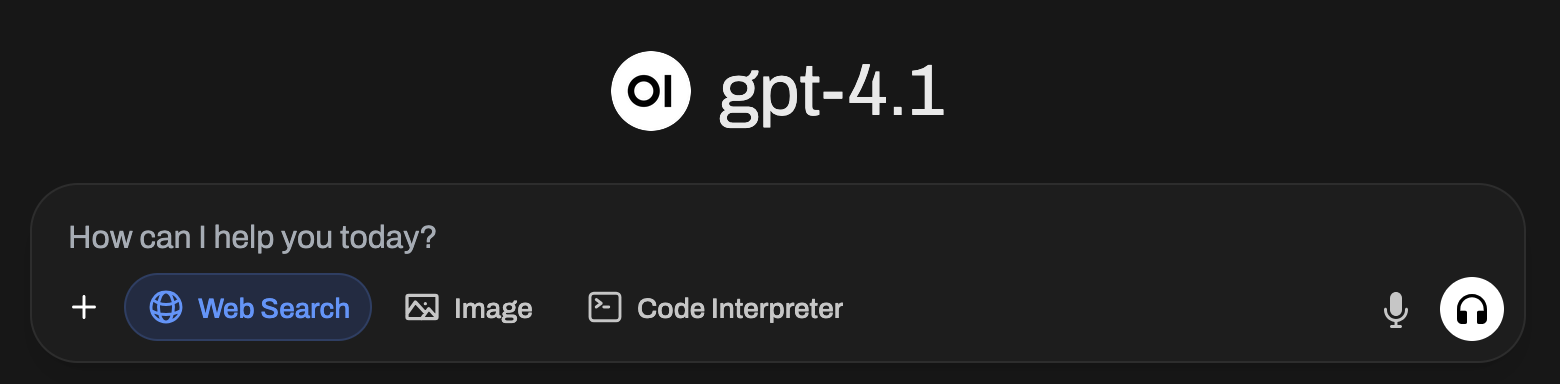 Make sure you have clicked on the `Web Search` button, now let's start our chat. I'm going to ask it this question:
```
What is the meaning of 42?
```
Now hit `Enter` and the AI will do its thing.
Make sure you have clicked on the `Web Search` button, now let's start our chat. I'm going to ask it this question:
```
What is the meaning of 42?
```
Now hit `Enter` and the AI will do its thing.
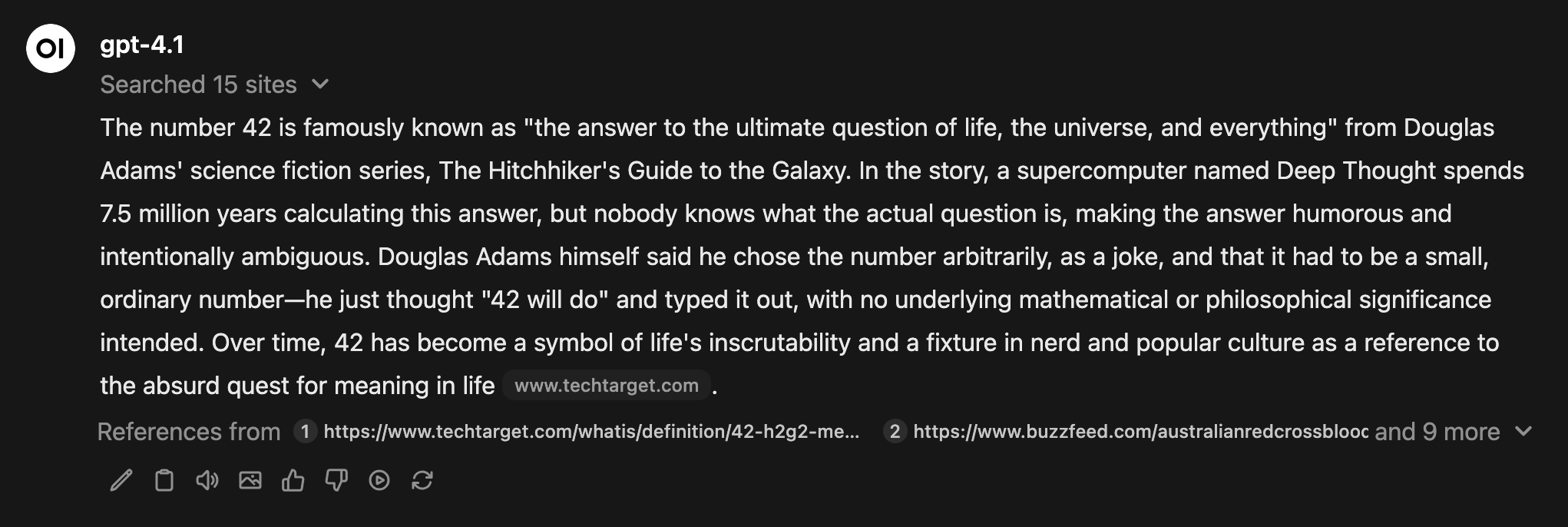
 If you click on the `Searched 15 sites` area, Open WebUI will reference back to you the sites it used to search for the answer.