> ## Documentation Index
> Fetch the complete documentation index at: https://docs.sleekchat.ai/llms.txt
> Use this file to discover all available pages before exploring further.
# Code Execution (Python)
> For coders (or the curious bunch), by coders. Code interpreter is a feature that allows you to run Python code in your chat securely and sandboxed.
Even if you're not a coder, let your curiousity take over. You can ask the AI to run code for you, and it will do so in a secure and sandboxed environment; this means the codes and its executions does not leave your browser. It won't have access to any of your files and folders on your machine.
This is a great way to test out code snippets or even learn how to code.
## Hello World
The first line of code we're going to ask the AI to run is an obligatory `Hello World` program. Make sure to click on the `Code Interpreter` area on your text input field.
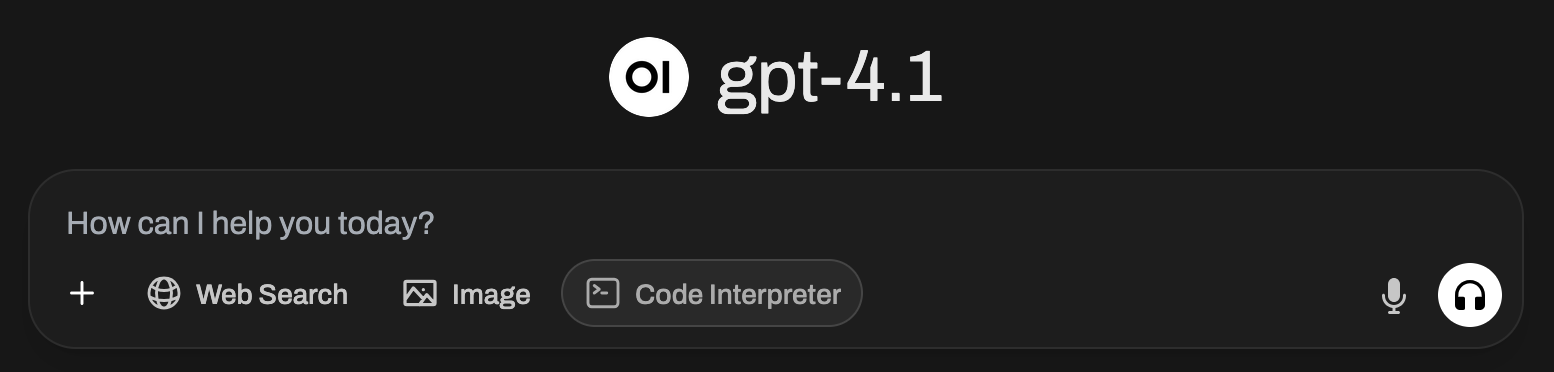 Now let's tell the AI to write a hello world program for us. You can do so with this prompt:
```
Write a hello world in python
```
Now let's tell the AI to write a hello world program for us. You can do so with this prompt:
```
Write a hello world in python
```
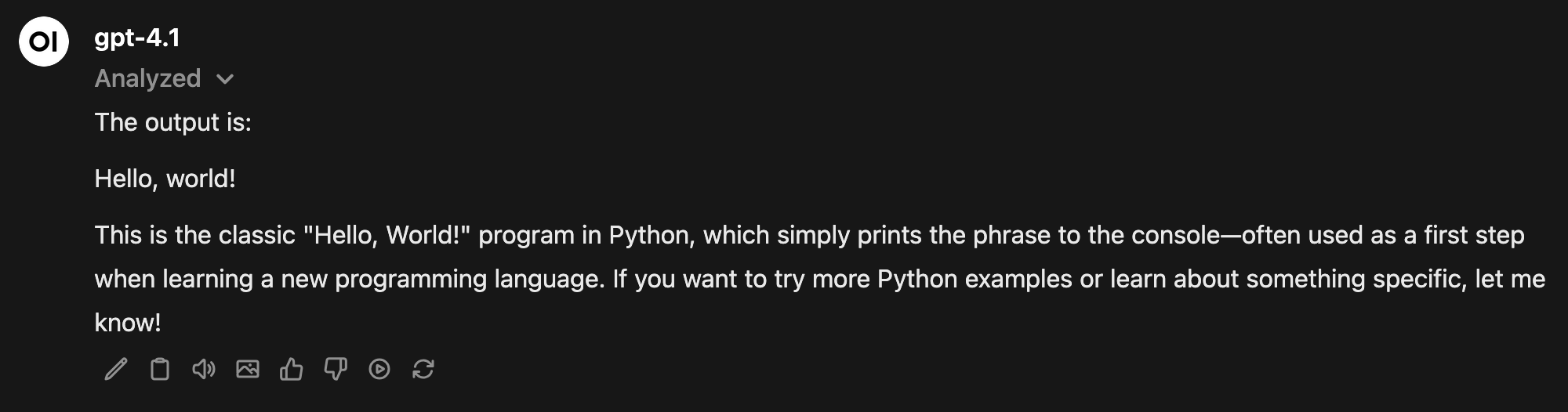
 If you click on the `Analyzed` area, Open WebUI will show you the codes analyzed and its output. You can have fun here, the codes are editable! Try changing it to display your name! Then hit `Run` on the top right of the code editor.