> ## Documentation Index
> Fetch the complete documentation index at: https://docs.sleekchat.ai/llms.txt
> Use this file to discover all available pages before exploring further.
# Change Your Preferred Language
> Opt to change your preferred language in Open WebUI.
## How to change your preferred language
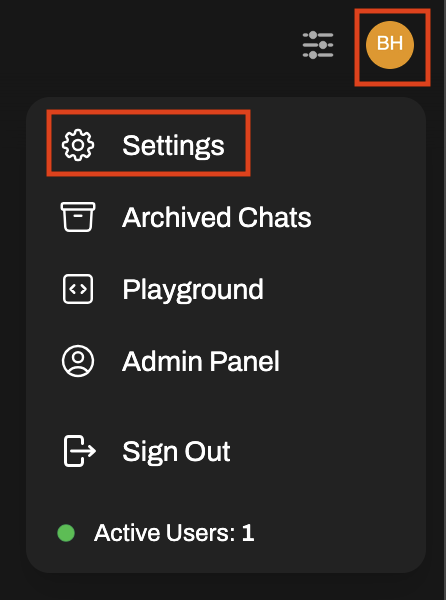 Click on the `General` menu item on the left.
In the `Language` drop down box, select your preferred language.
Click on the `Save` button on the bottom right corner.
Once you change the language, the change is instant in your UI.
Click on the `General` menu item on the left.
In the `Language` drop down box, select your preferred language.
Click on the `Save` button on the bottom right corner.
Once you change the language, the change is instant in your UI.